How to play.
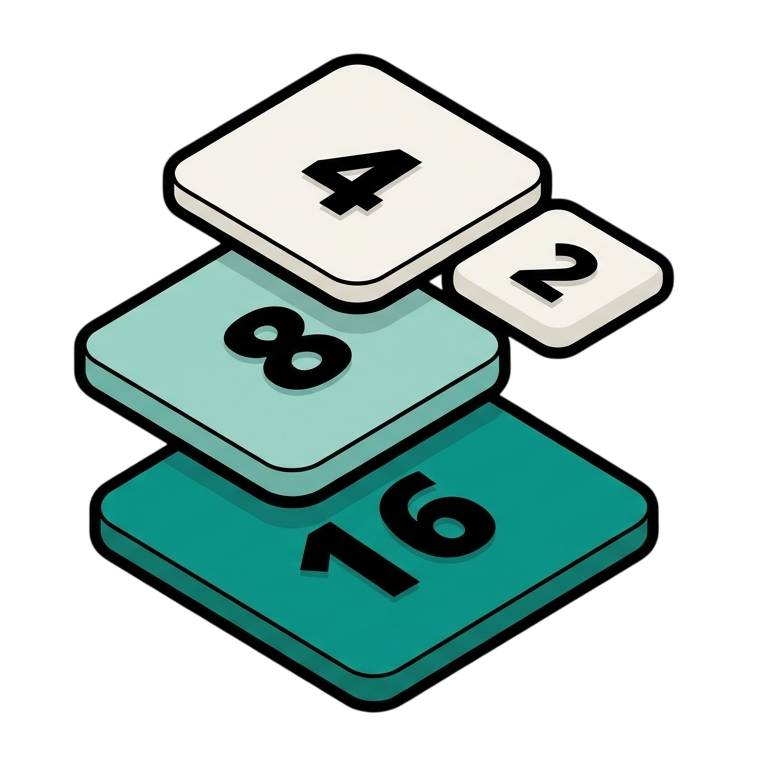
Use arrow keys (or WASD) to slide every tile in one direction. Tiles with the same number merge into one of double value. A new 2 or 4 appears after every move.
Reach the goal tile to win. Keep playing for a higher score. Stuck? Tap Hint for a flash arrow on the best direction.
2048 questions.
How do the difficulty levels differ?
Easy uses a 5×5 board with five hints and a goal of 2048. Classic uses a 4×4 board with three hints and the same goal. Hard uses a 3×3 board with two hints and a goal of 512. Changing difficulty starts a new game.
Can I play with a keyboard or phone, and will my best score be saved?
Use arrow keys or WASD on a keyboard, or swipe the board on a touchscreen. Your best score is stored in this browser for the selected difficulty; it does not automatically sync to other browsers or devices.
Can I undo a move or get a hint?
Undo restores the board and score from before the last move. Hints suggest a direction using immediate merge points and empty spaces; they are limited per game and do not guarantee an optimal solution.
⚙️ Settings & Customization
- Theme
- Language
- Size
- Transparent background
- 🎨 Accent Color
Changes apply live — the embed link on the right and the preview above update instantly.
📖 How to embed in Notion
- Copy the embed link from the sidebar on the right.
- Open the Notion page you want the widget on and type
/embed. - Paste the link into the embed dialog and press
Embed link. - Drag the embed's bottom edge to resize it to taste.
- ✦ 25 widget languages with Arabic RTL
- ✦ Three difficulties — 5×5, 4×4, 3×3
- ✦ Hint button suggests a move based on merges and empty spaces
- ✦ Saved high score per board size
- ✦ Keyboard + WASD controls